DTF Junkie
HomeServicesDTF Gang Sheet BuilderDTF Placement StudioPlansContactPrivacyTerms
LoginSign up
✦DTF One-Click EditBackground RemovalAI UpscaleAuto TrimEdge CleanupHalftoneDistresserRGB to CMYK✦AI Smart Edit
Explore the toolsRGB to CMYK
✦DTF One-Click EditBackground RemovalAI UpscaleAuto TrimEdge CleanupHalftoneDistresserRGB to CMYK✦AI Smart Edit
← All tools / RGB to CMYK
Color prep for your next creation

Big color.
Right format.

Your idea looks good. Let’s get the file ready.
Convert RGB to CMYK when your printer asks for it. Less time figuring out color modes. More time making shirts.
Prepare my colors ↗RGB vs. CMYK ↓
✓ Simple file setup✓ TIFF & PDF for CMYK
Same idea. Different color language.COLOR STUDIO / 08
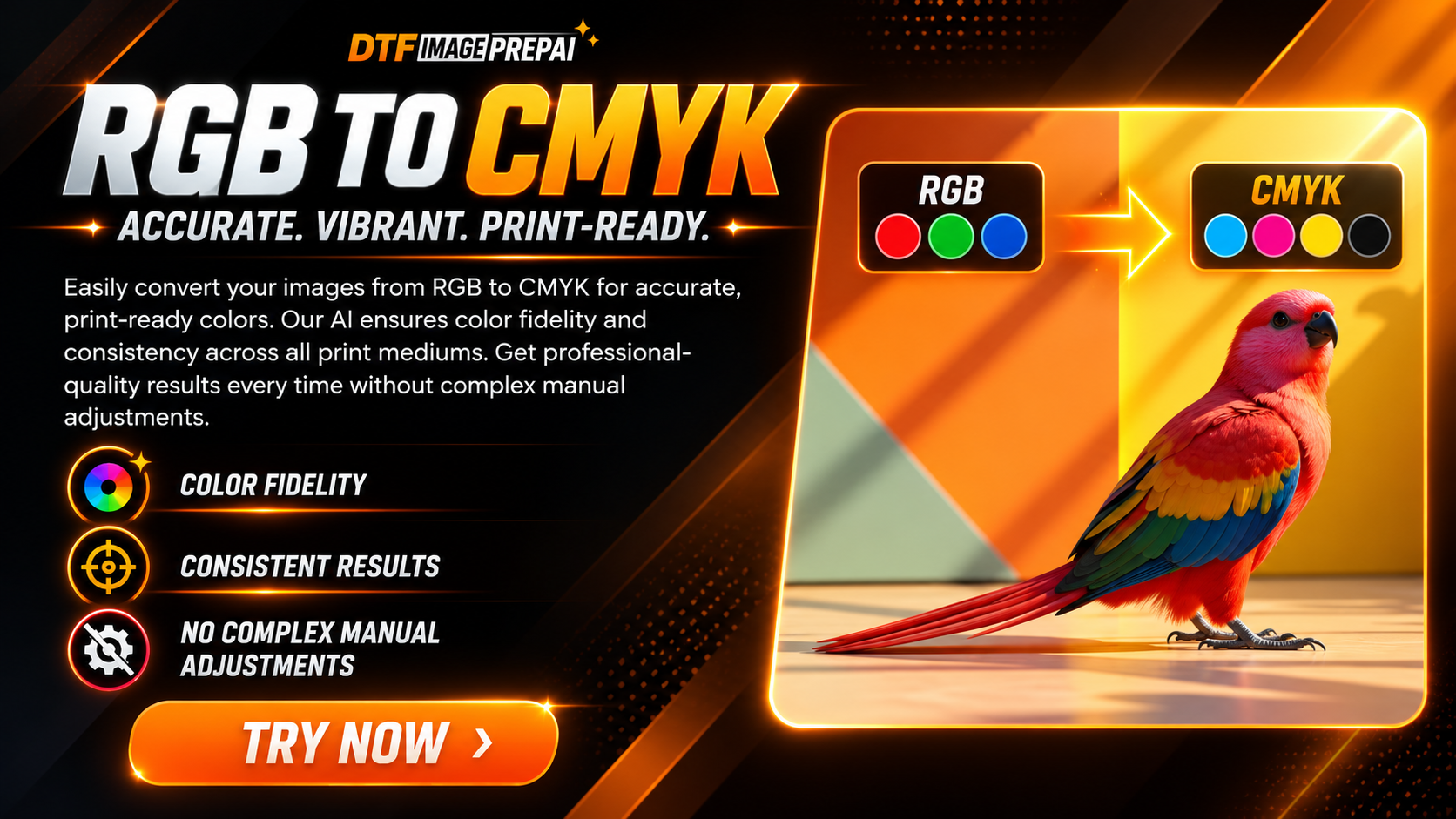
DTF Image Prep AI RGB to CMYK banner featuring a colorful parrot and color-channel graphics
Your next design starts here.
Make shirts. Skip Photoshop.✦Less file stress. More creating.FROM SCREEN TO YOUR NEXT SHIRT.
A little prep. A lot more creating.

Let’s get your colors ready.

Choose your artwork and a file format.
We’ll convert it to the color mode your printer needs.

01

Choose your artwork

UP TO 50 MB
or
02

Choose your CMYK settings

CMYK conversion settings

Both formats preserve transparency. These are standard print profiles; use the profile requested by your printer. A DTF RIP may prefer RGB artwork.

Select an artwork to convert it.

03

Your artwork preview

SAMPLE ARTWORK
Sample RGB to CMYK banner
Original artwork — no CMYK proof applied
View on
Preview background only
SOURCESample PNG
→
SELECTED OUTPUTTIFF · Standard profile
.TIFF
✦

Your printer sets the rules. Some workflows prefer RGB. Convert to CMYK only when your printer or RIP workflow calls for it.

Two color spaces. One great design.

Screens glow.
Ink makes its mark.

RGB describes light. CMYK describes four ink channels. Changing color space helps you deliver the type of file your printer needs.

Got it. Let’s prep my file ↗
CMYK

Four inks. Plenty of possibilities.

Cyan, magenta, yellow and black form the CMYK color model. The chosen profile controls how RGB colors map into that space.

A screen preview can’t guarantee an exact printed match.

Keep the process simple

Upload. Choose. Convert.

Three easy steps.

01↗

Bring your artwork.

Upload a JPG, PNG, WEBP or TIFF up to 50 MB. Keep your original file so you can return to it.

02↗

Choose the right format.

Choose TIFF or PDF for CMYK output, then pick the ICC profile your printer requests. Follow your printer’s requirements.

03✓

Convert and review.

Run the conversion and download your file. Check it with your printer before a full production run.

Need more than a color change?

One click.
A lot less busywork.

Remove the background. Trim empty space. Upscale your artwork. Prepare at 300 DPI. Let DTF One-Click Edit take care of the prep.

Explore DTF One-Click Edit ✦
✦
01 Remove background
02 Trim empty space
03 Upscale artwork
04 Prepare at 300 DPI
A little color clarity

Good questions.
Simple answers.

No deep dive into design software required.

Do I always need CMYK for DTF printing?

No. Use the color space your printer or RIP workflow requests. Some workflows prefer RGB and handle the conversion themselves. Ask before changing your file.

Will my print look exactly like my screen?

Screen light and printed ink reproduce colors differently. Some bright RGB colors fall outside a CMYK profile’s range. Your profile, printer, ink and material all affect the final result. A test print is the best way to check.

Which output format should I choose?

TIFF and PDF both store CMYK data with the ICC profile embedded. TIFF is a raster file; PDF packages the CMYK image with its profile and page geometry. Both preserve transparency. Follow your printer’s requirements.

Does conversion also remove the background or add 300 DPI?

Changing color space does not remove backgrounds, add detail or set your print dimensions. Use the individual tools, or start with DTF One-Click Edit for the one-click prep workflow.

Your original artwork

Original artwork — no CMYK proof applied.

Logo

AI-powered image preparation for print-ready files, clean product visuals, and faster creative workflows.

Product

  • Services
  • DTF Gang Sheet Builder
  • DTF Placement Studio
  • Plans
  • Dashboard
  • Contact

Tools

  • Halftone
  • DTF One-Click Edit
  • Edge Cleanup
  • Distress
  • Background Remove
  • AI Enhancement
  • Auto Trim
  • Auto Crop
  • Image Resizing
  • RGB to CMYK

Contact

dtfjunkie@gmail.com+8899036154
Online support

© 2026 DTF Image Prep. All rights reserved.

Privacy PolicyCookie PolicyTerms of ServiceContact Us